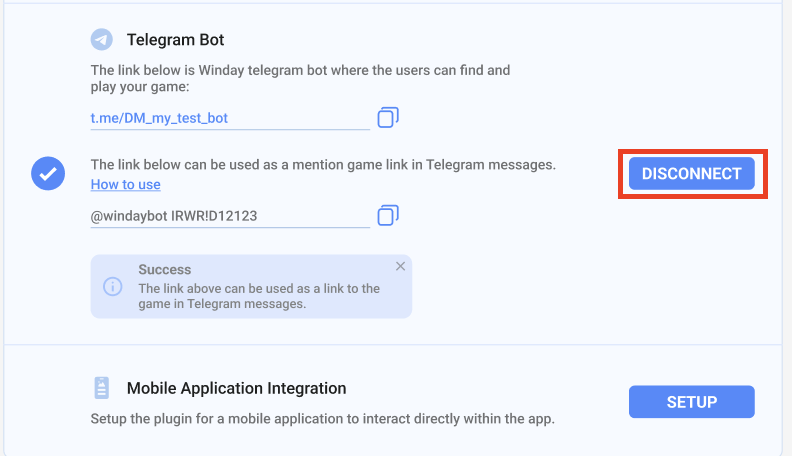
Publish in Telegram Bot
- The brand user can add the game to Winday Telegram Bot on the Game Details page and Tournament Details page.
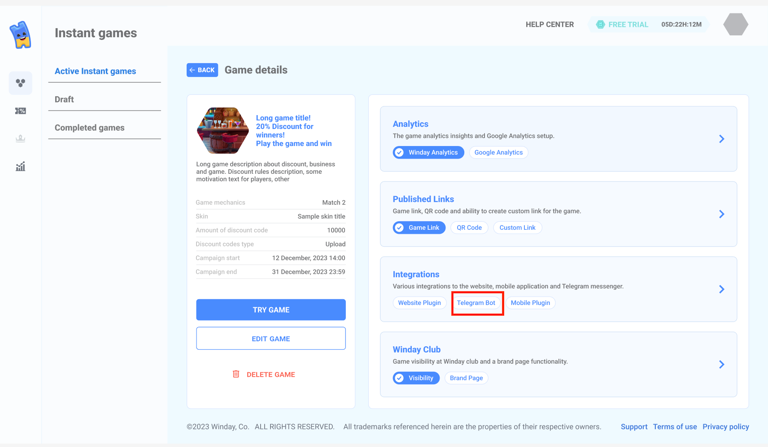
- Click the “Connect” button to add the game to the Winday Telegram bot.

- Review Winday Telegram bot
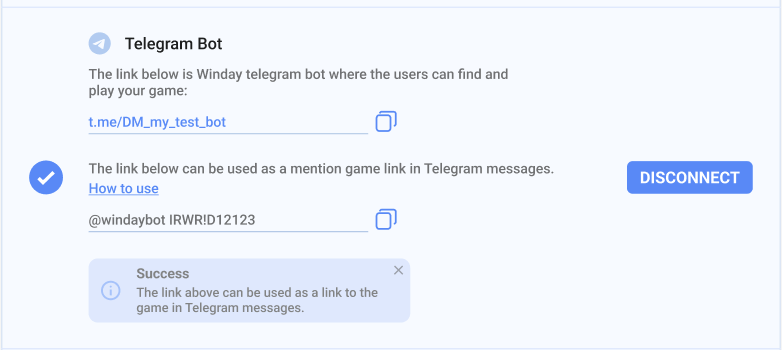
- Open the Winday Telegram Bot using the following link (copy and paste the link into your browser's address bar):

- Launch the Winday Telegram Bot (in your browser or desktop application).
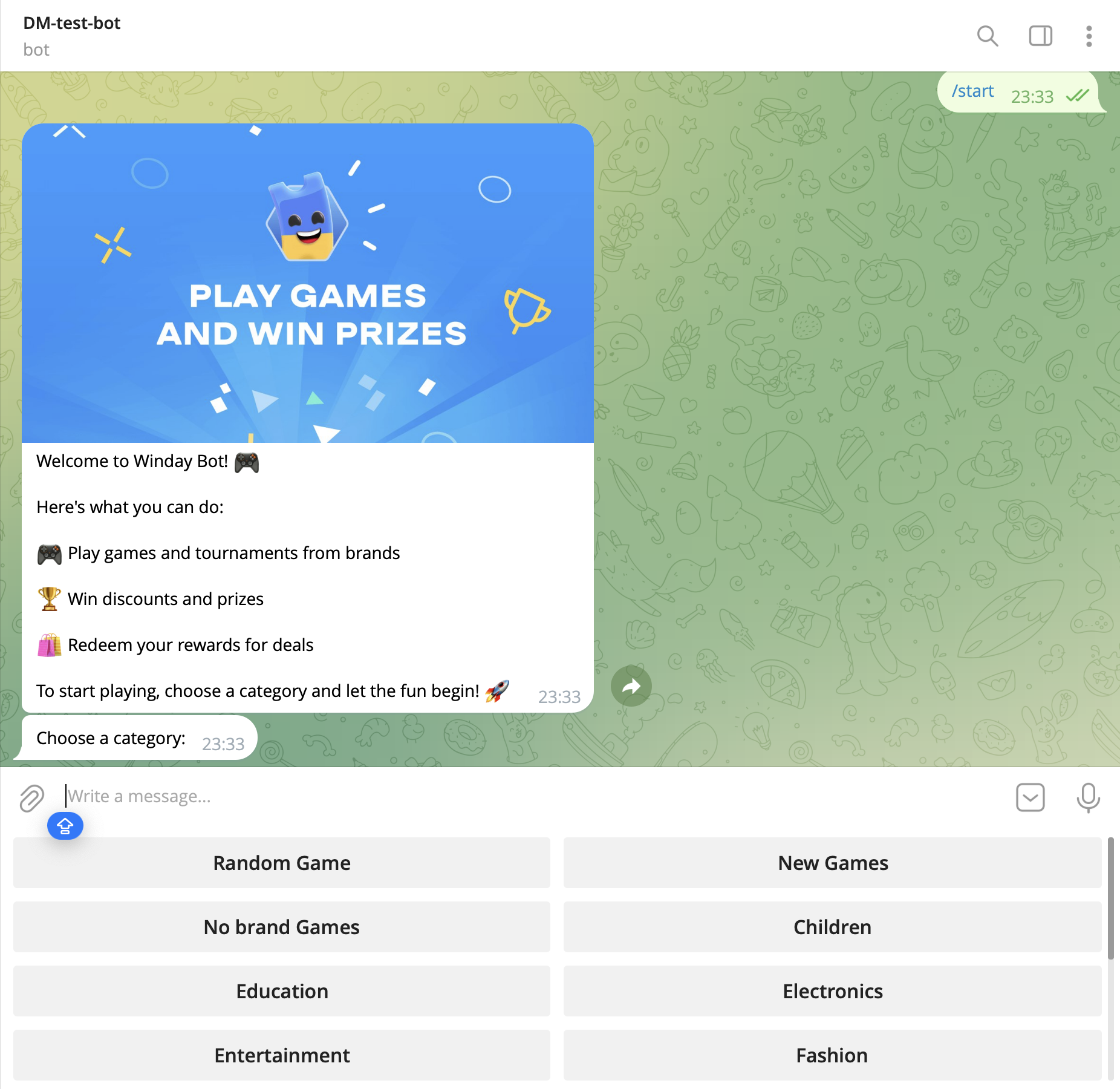
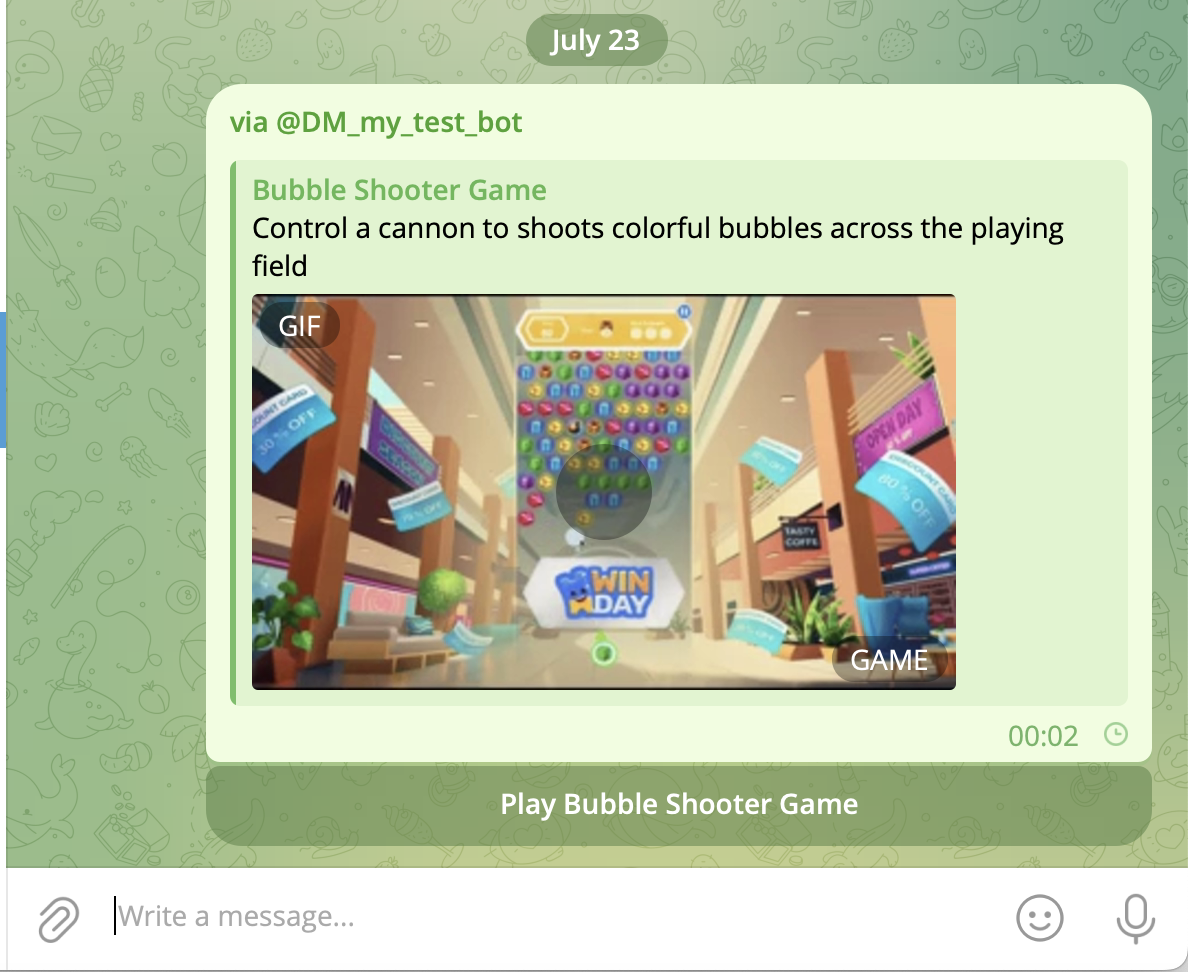
- Choose a game and start playing! The process is the same for all game players.
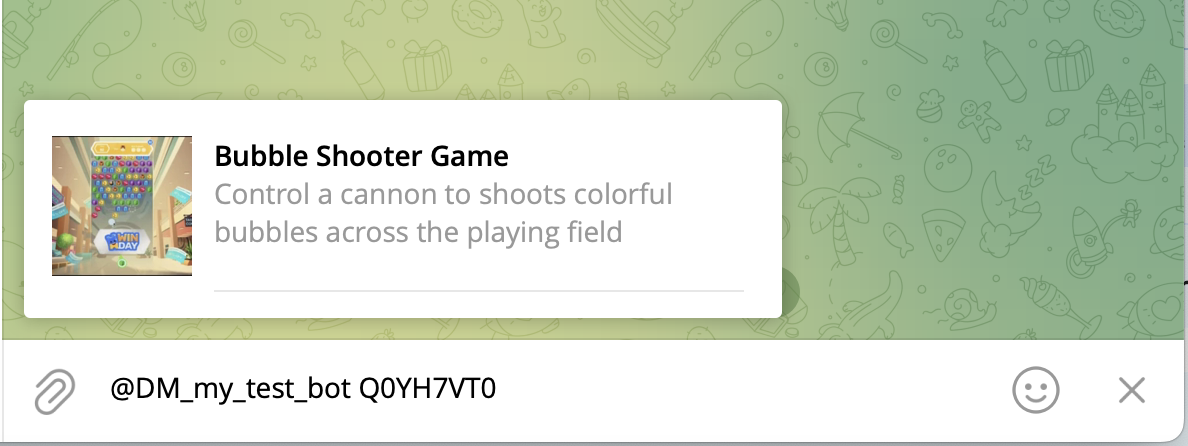
- Brand users can mention the game link in Telegram messages. This link leads directly to the game in the Winday Telegram Bot.
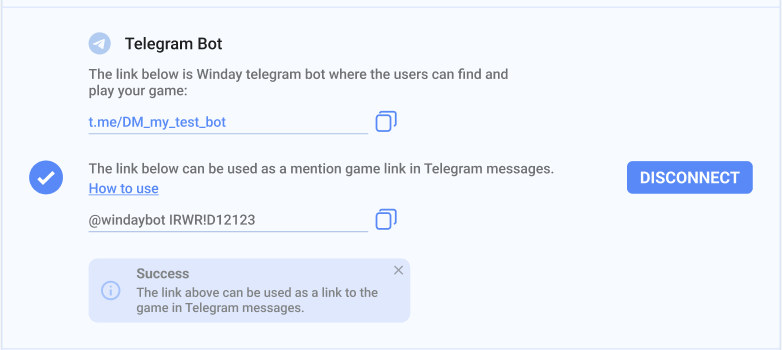
- Click the “Disconnect” button to remove the game from the Winday Telegram Bot. You can reconnect your game anytime if you change your mind.